
AI Productivity Tools Found a Better Hook Than "Save Time"
This week, HookRadar's AI research agent looked at high-signal paid ads and organic videos from the AI productivity and work-tools market: ClickUp, Notion, monday.com, Zapier, Asana, Canva, Grammarly, Gamma, Claude, and adjacent AI workflow creators.
The interesting part was not that everyone is talking about AI. That is now table stakes. The better creative pattern is more specific: AI is being packaged as a way to hand off work the user does not want to own anymore.
Status updates. Feedback chaos. Meeting notes. CRM handoffs. Decks. Calendars. Tool switching. The strongest examples make the annoying task visible first, then show AI taking over a small but painful piece of it.
1. The best ads name the villain before the product
The old SaaS promise was broad: be more productive. The better AI promise is sharper: stop doing this specific annoying thing.
That is why ClickUp's stronger examples are not just "one workspace for everything." The more useful hooks name the enemy: too many tools, status meetings, outdated updates, scattered docs, and the feeling that someone has to keep the whole system in their head.
ClickUp: the tool pile is still a strong enemy
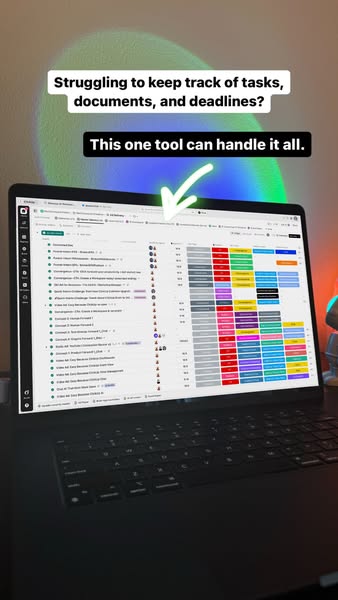
ClickUp's broad workspace creative is old, but it is not dead. It works because most teams already feel the tool pile: tasks here, docs there, meetings somewhere else, client work in another tab.
The visual does not need to be subtle. The value is the compression: one product standing in for five tools. AI makes that old wrapper feel more current because it promises not only consolidation, but active help.
The better hook: status meetings are a waste
The more interesting ClickUp creative opens with frustration: status meetings used to be a waste of time. The first seconds are not about the UI. They are about the emotional cost of chasing updates.
Then the AI payoff is concrete: summarize progress, flag what is behind, and reduce manual follow-up. That is the formula worth copying: painful ritual first, AI handoff second.
2. Notion uses celebrity attention to sell operator leverage
Notion's most interesting examples are not feature tours. They are stories about people with too much going on, and the strongest wrapper is not generic UGC. It is a celebrity collaboration.
The T-Pain creative is a good example. It is not just a busy creator story; it is Notion borrowing attention and credibility from a recognizable artist with many projects, then using that attention to introduce Notion Agent as the multitasking layer behind the work.
The creative-business example is even sharper. It starts with chaos: films, commercials, trailers, rejected versions, and feedback from everywhere. The best product moment is not a beautiful dashboard. It is AI translating vague notes into revision steps and turning feedback into tasks.
What makes these creatives work is specificity. "AI workspace" is generic. "I have 12 rejected versions and feedback coming from every direction" is a real problem.
3. monday.com is making AI feel assignable
monday.com's strongest direction is not "AI project management." It is AI as a coworker. That sounds like a small difference, but it changes how the product is understood.
AI agents become named coworkers
The visual system is doing a lot of work: small animated characters, agent cards, department labels, project boards, done states. It makes the idea of an AI agent feel less abstract.
The best mechanic is "conversation to action." A video call becomes action points, tasks, owners, and deadlines. That is a clean B2B AI promise because it removes the least-loved part of meetings: making the meeting become work.
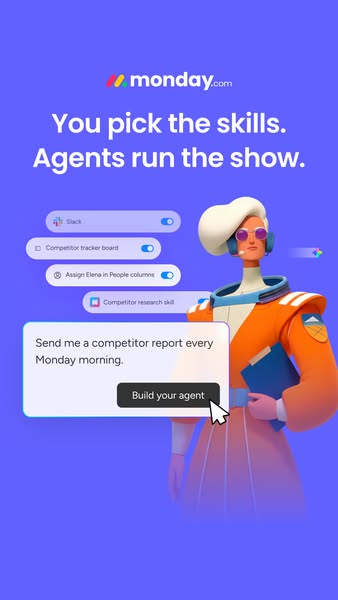
The useful takeaway: do not just show an AI feature. Give the AI a job title, a department, a task, and a before/after state.
4. Zapier wins when you can see the chain
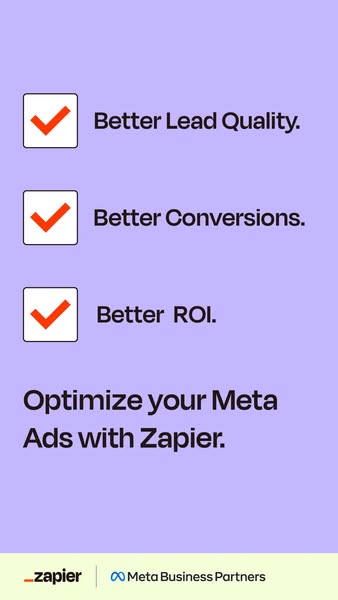
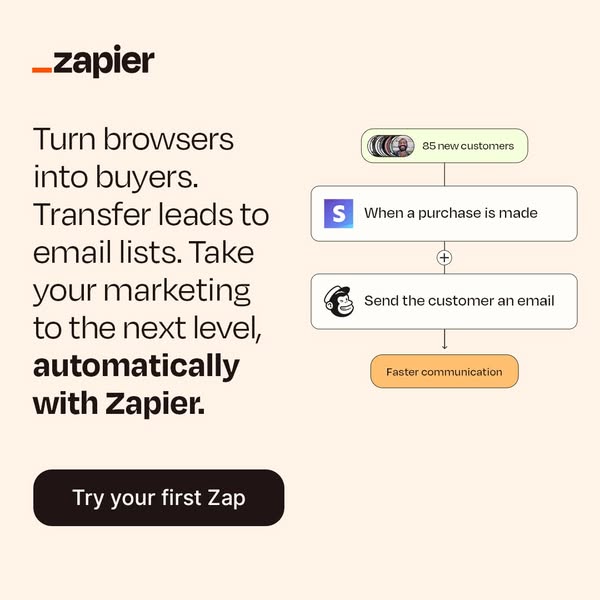
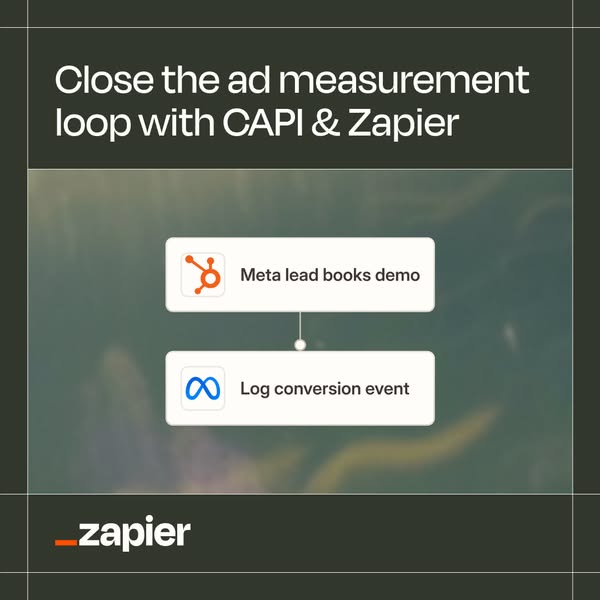
Zapier's challenge is that automation can become invisible. The strongest creatives solve that by making the workflow chain visible: source, transformation, destination.
The product is the transfer layer
The useful visual is not a generic AI sparkle. It is a connector line. Facebook Lead Ads to Salesforce. Docs to automation. Apps into a workflow. The viewer can understand what changed in one glance.
This is why the long-running "Build a Zap" style still has legs. It is simple, but the idea is concrete: something used to require manual movement, and now it moves by itself.
5. The edge cases show the same lesson
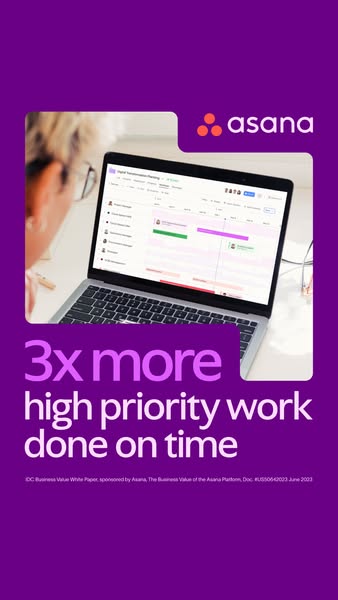
Asana, Canva, and Grammarly are not all the same category, but the creative lesson is consistent: sell the finished work state, not the AI feature.
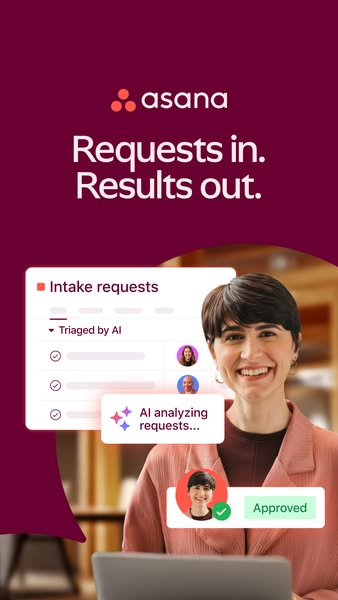
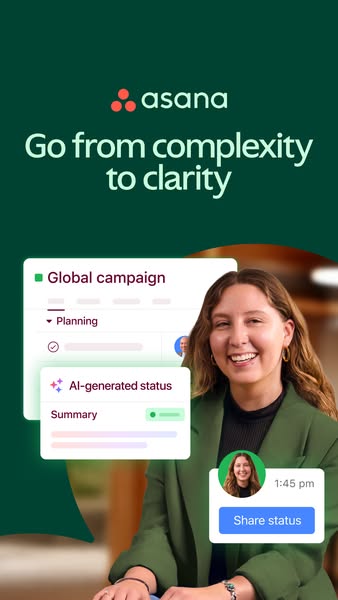
Asana's cleaner hooks attack the coordination mess: requests coming in from everywhere, AI triage, approvals, too many moving parts, and goals disconnected from execution. Canva is strongest when it shows the finished asset early. Grammarly works when it appears across surfaces, because the pain is not grammar in isolation; it is writing correctly everywhere work happens.
6. Organic is already writing the next paid hooks
Organic AI productivity content is less polished, but often more useful. The best posts are not broad product claims. They are tiny workflows, weird office stories, and save-worthy replacement lists.
Gamma is the most fun example. The product shows up inside workplace drama: employee turnover, remote-work arguments, feedback politics. The deck is not the product demo. The deck is the punchline.
This is probably where paid creative should move next: less "look at our AI feature," more "watch this exact work problem get resolved in a way you want to save."
What we would test next
- Name the villain before the product. Status meetings, vague feedback, email-chain requests, tool switching, calendar admin, CRM handoffs.
- Show the handoff visually. Meeting to action plan, lead to CRM, feedback to revision tasks, screenshot to calendar, prompt to finished deck.
- Give the AI a role. Not "AI feature," but project agent, HR agent, chief of staff, feedback translator, meeting memory, workflow operator.
- Borrow more from organic. Small workflows, opinionated replacement lists, office drama, and save-worthy tutorials beat another generic AI productivity claim.
The market is not done selling productivity. But the better creative direction is more specific: show the exact piece of work the user no longer has to own.